PasteSense
Your intelligent clipboard, reimagined.
PasteSense is a smart clipboard manager that saves your entire copy history, allows you to pin important content, and assign hotkeys for lightning-fast pasting. Boost your productivity with intelligent search, filtering, and seamless multi-language support.
Change Notes
View the latest updates, feature announcements, and bug fixes.
Privacy Policy
PasteSense respects your privacy. The application processes clipboard content and hotkey settings entirely on your device.
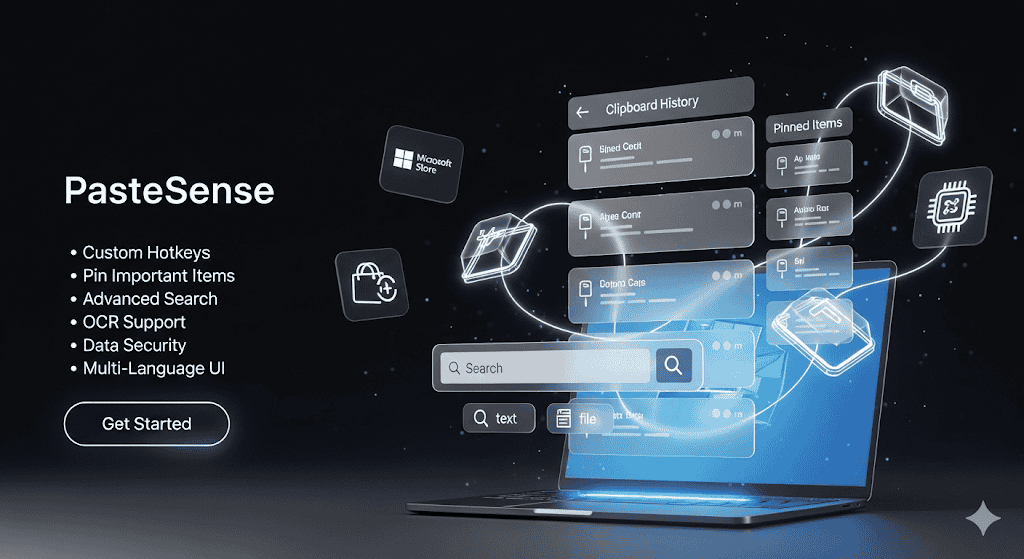
Core Features
Complete History
Never lose a copied item again. Access your full clipboard history anytime.
Pin Important Items
Keep frequently used snippets, links, or files at your fingertips.
Custom Hotkeys
Assign custom keyboard shortcuts to your history items for instant pasting.
Advanced Search
Quickly find any item by text, file type, image, or link.
Multi-Language UI
Work seamlessly in your preferred language.
Flexible Distribution
Available on the Microsoft Store with auto-updates or as a standalone EXE.
Data Security
Your clipboard data is encrypted and stored securely on your device.
OCR Support
Extract text from images in your clipboard history with powerful OCR.
Compare Plans
| Feature | Free | Pro | Pro Plus | Ultimate |
|---|---|---|---|---|
| Clipboard content classification | ||||
| Clipboard history storage | ||||
| Pin copied content | ||||
| Clipboard storage limit | Up to 10 items | Up to 10 items | Up to 50 items | Up to 100 items |
| Max Hotkeys | Up to 2 | Up to 5 | Up to 20 | Up to 100 items |
| Auto Start | - | |||
| Continuous Updates | Limited | Occasionally, for bug fixes | New features included | New features included |
| OCR Support | - | - | - | |
| Encrypt stored content | - | - | ||
Download from Store Or download .EXE (for Windows LTSC) |
Which Plan is Right For You?
Find the perfect ServeSense tier based on your specific needs.
For Software Testers
Store entire copy history, search by text, link, file, or image, and get auto-mapped hotkeys: what you copy is automatically assigned an ordered hotkey for instant pasting.
The Story of Nam – Software Tester
Nam has to write a report for a complex bug. He needs: Test case ID, Jira ticket link, and the error log snippet.
Before
- Had to open Win+V to find each item.
- Easily confused items and wasted time.
- No efficient way to paste in order.
With PasteSense
- Copy test case ID → auto Alt+1.
- Copy Jira link → auto Alt+2.
- Copy error log → auto Alt+3.
The Results
Writes bug reports many times faster.
No more mix-ups between logs or links.
Saves time to focus on analysis and testing.
For Marketers
Store your entire copy history. Modern UI with fast search. Auto-mapped hotkeys: copy something → PasteSense automatically assigns an ordered hotkey for instant pasting.
The Story of Mai – Black Friday Marketer
Before, Mai had to open Excel, manually copy each hashtag/link/CTA, then paste → hours of work, prone to errors.
Before
- Manually copying from a spreadsheet.
- Wasted hours on repetitive tasks.
- High chance of pasting the wrong link or CTA.
With PasteSense
- Copy hashtag → auto Alt+1.
- Copy product link → auto Alt+2.
- Copy CTA → auto Alt+3.
The Results
Processes posts many times faster.
No more pasting wrong links/CTAs.
Focus on creativity, not wasting time on manual tasks.
For Office Workers
Store entire copy history. Instantly search by content, link, file, or image. Get auto-mapped hotkeys: what you copy is automatically assigned an ordered hotkey for instant pasting.
The Story of Lan – Office Worker
Lan frequently creates reports for her boss. A typical report requires: sales data from Excel, a key client's email, and a standard accompanying note.
Before
- Had to open Win+V to find each copied line.
- Wasted time and sometimes pasted the wrong data.
- No efficient way to paste in order.
With PasteSense
- Copy sales figure → auto Alt+1.
- Copy email → auto Alt+2.
- Copy note → auto Alt+3.
The Results
Creates reports many times faster.
No more worries about pasting incorrect data.
Stays focused on the main task instead of trivial operations.
For Developers
Store entire copy history, classifying code/text/link. Quick search, pin important snippets. Auto-mapped hotkeys: copy something → PasteSense automatically assigns an ordered hotkey for instant pasting.
The Story of Quang – Frontend Developer
Quang is rushing to code a landing page. He needs: a frequently reused CSS class, an API endpoint link from the backend, and a ReactJS template snippet.
Before
- Had to open Win+V and scroll to find each copied code snippet.
- Sometimes pasted the wrong endpoint or forgot to update a snippet.
- No efficient way to manage and paste code.
With PasteSense
- Copy CSS class → auto Alt+1.
- Copy API link → auto Alt+2.
- Copy React template → auto Alt+3.
The Results
Codes faster, no more repetitive, trivial tasks.
Always pastes the correct code snippet.
Focuses on logic & UI, instead of wasting time searching the clipboard.
AI Performance Insights
Use GenAI to analyze mock sales and user data to get suggestions for improving this page's content and calls-to-action.